
Your jewellery brand
Plan the identity, collection presentation and content that customers should see.
For a branded iPhone or iPad catalogue, ask our team for the app and App Store availability that apply to your business.
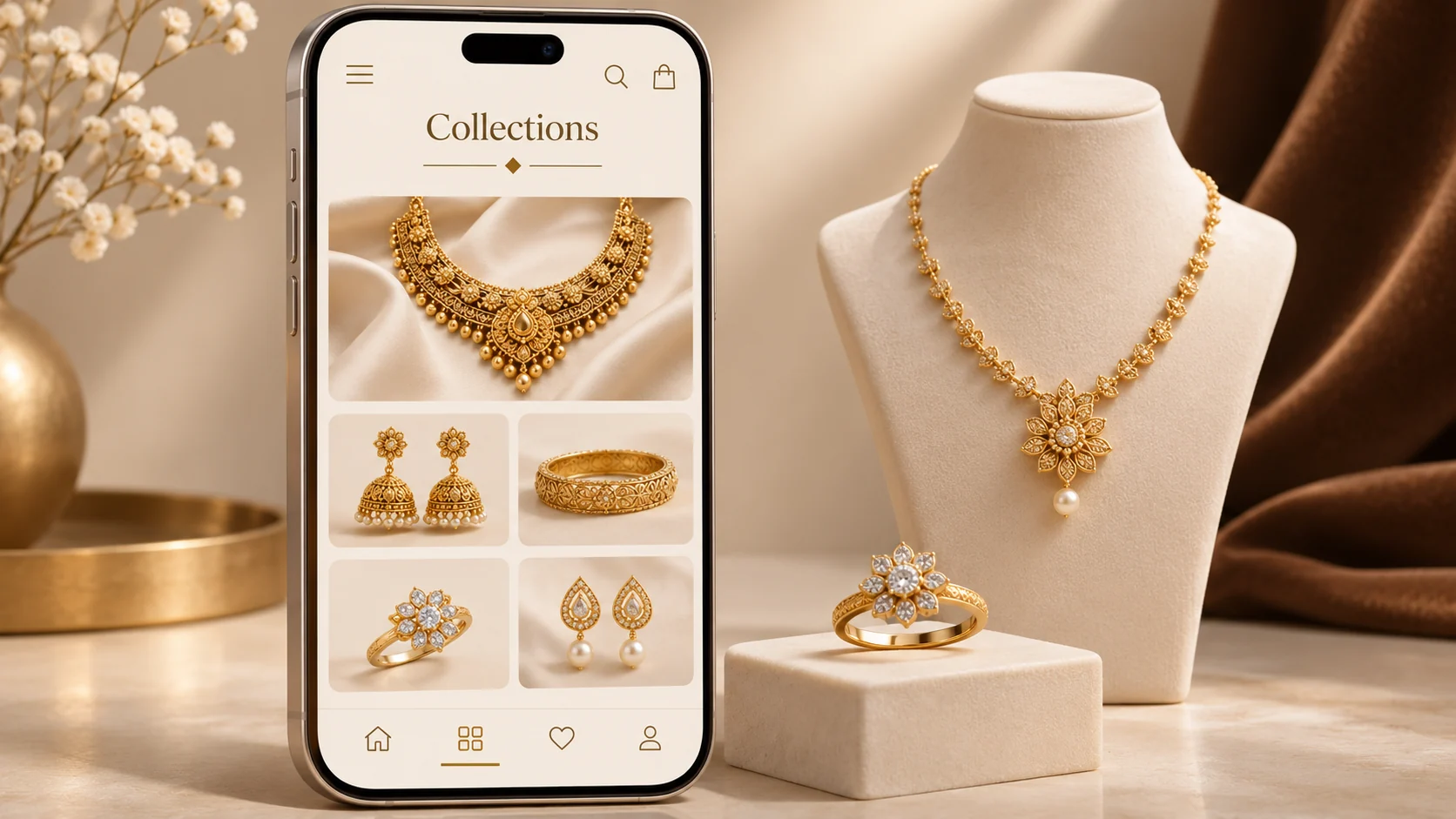
Use the demonstration to define the catalogue and device requirements for your business.
Plan the identity, collection presentation and content that customers should see.
Choose the images, jewellery fields, prices or enquiry prompts appropriate to your catalogue.
Discuss iPhone and iPad layouts, supported devices, account access and the app’s publishing arrangements.
Start with your business goals, then agree the content, configuration and launch scope.
Share your collection, brand assets, customer audience and the iPhone or iPad devices you want to support.
Review the proposed catalogue, enquiry flow, product updates and any connection to your existing systems.
Agree the app-specific features, distribution, ownership, maintenance and launch steps in the written proposal.
Ask our team for the app and App Store availability that apply to your business. Start with an iOS app demonstration so you can review the relevant catalogue and publishing arrangements.
The branded catalogue and Android ERP are separate experiences. Billing, accounting and other operational access should be discussed explicitly for the app and device you intend to use.
Bring that use case to the demonstration. The proposal can define the intended iPad experience, product presentation, customer access and enquiry handover.