
Collection galleries
Group jewellery by category, collection or the way your customers prefer to browse.
Give customers and trade buyers a more organised way to explore your jewellery. Build a catalogue around your product images, categories and enquiry process.
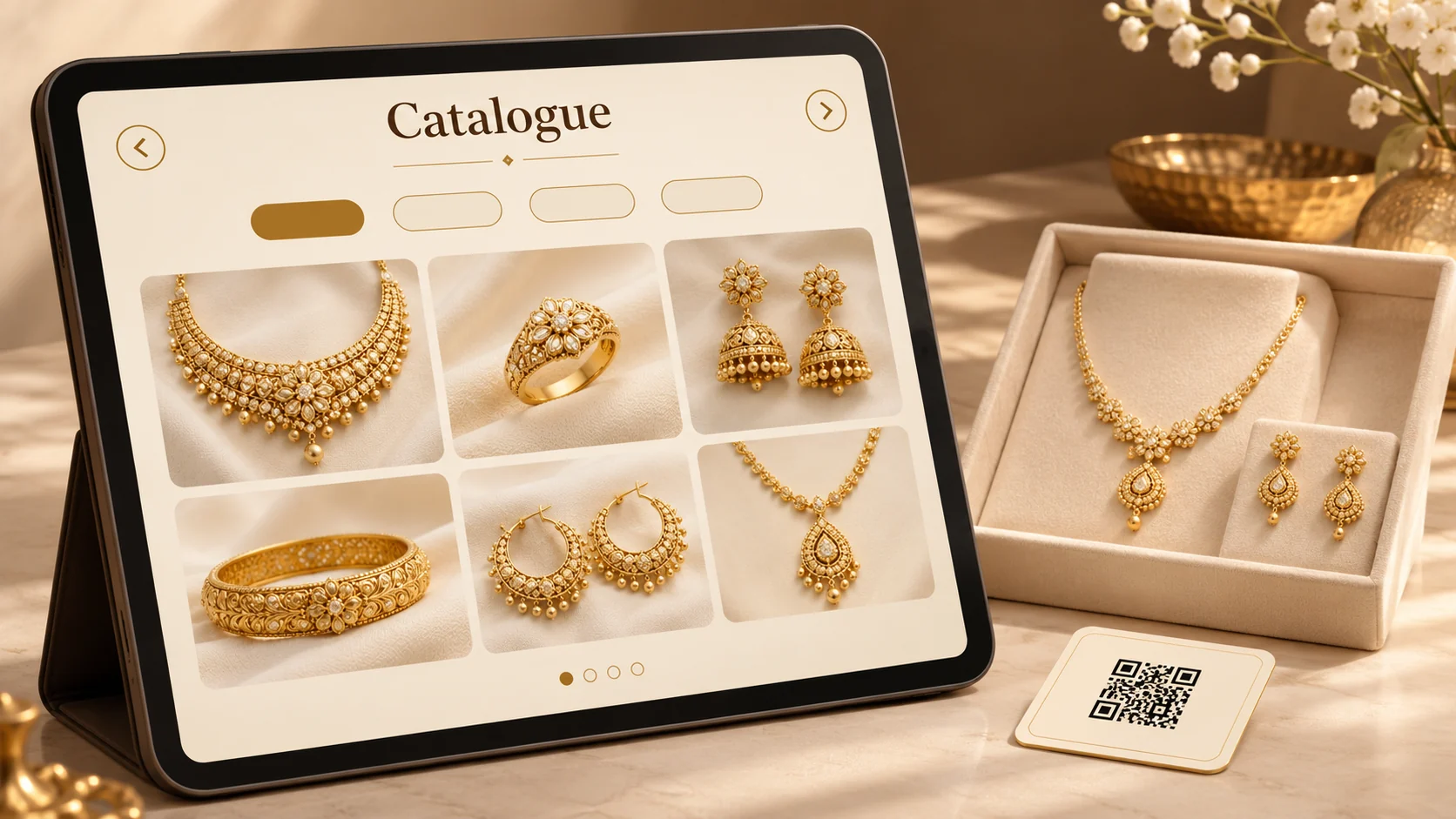
Choose the details and browsing features that belong in your catalogue.
Group jewellery by category, collection or the way your customers prefer to browse.
Define the product code, metal, purity, weight and other details you want to display.
Discuss the audience, access rules and pricing visibility appropriate to your business.
Scope the search, filters and favourite-list behaviour needed for your collection.
Agree how customers share a selected item and how the enquiry reaches your team.
Set the product-data source, publishing steps and update routine for your catalogue.
Start with your business goals, then agree the content, configuration and launch scope.
Bring a representative product list, image samples, category names and the jewellery fields customers ask about.
Choose the catalogue format, customer access, price visibility and enquiry route. Define any connection to product data.
Review sample collections, product details and the enquiry handover before adding the agreed catalogue content.
A catalogue can focus on browsing and enquiries. If you need checkout, payment collection or fulfilment, include those workflows explicitly in the project scope.
Discuss a branded web or mobile catalogue with your logo and collection. App platform, publishing, access and ongoing updates are agreed for your business.
Specify which availability and rate information should appear, its source and its update process. Your proposal defines the display and publishing behaviour.