
Keep the piece and tag connected
Define how a tag is assigned to a jewellery record, with the product details your team needs for identification.
Give each piece a tag identity and bring reader results into a structured stock check. Plan the item links, audit review and reusable-tag handling around your showroom.
Use the demonstration to agree how these steps fit your Jwellog configuration and your team’s responsibilities.
Define how a tag is assigned to a jewellery record, with the product details your team needs for identification.
Use a compatible multi-tag reader for a selected tray, counter or stock area, then compare the read results with the agreed list of expected pieces.
Compare reader results with the expected stock list and give missing, unexpected or unassigned tags a clear review step.
Close the previous item association before assigning a suitable hard tag again, while retaining its assignment history.
Choose the steps your setup will include, then try them with representative jewellery and a sample stock list.
Choose the jewellery record, attach the selected tag and check that the tag identity points to the intended piece.
For printed RFID labels, agree the visible label layout, chip encoding and read-back check before the tag enters use.
Read the selected stock area, compare it with the expected list and review exceptions before accepting the stock-check result.
For reusable hard tags, remove the tag at the agreed handover, close the old item link and assign the tag again with its history retained.
Metal, tag placement and densely arranged jewellery can affect reading. Bring the pieces, trays and display arrangement your team will actually use.
Agree the selected hardware, tag protocol and frequency, regional settings and operating workflow in the proposal.
Results depend on the reader, protocol and frequency, regional settings, tag selection, attachment and layout. Metal and closely packed tags can affect reading. Review representative jewellery and tray arrangements in the demonstration.
Discuss a combined identification workflow if you need one. Optical barcode or QR scanning reads a visible code; RFID uses a radio reader and compatible tags. A device must explicitly support each capability you require.
The intended workflow closes the previous item association, retains its history and creates a new association. Agree the permitted users and checks in your configuration. Reusing a hard tag is different from replacing a consumable adhesive label.
Bring your stock-check process and sample items to the demonstration. The proposal defines the hardware, tags, item links, audit review, history and any connection to your existing Jwellog setup.
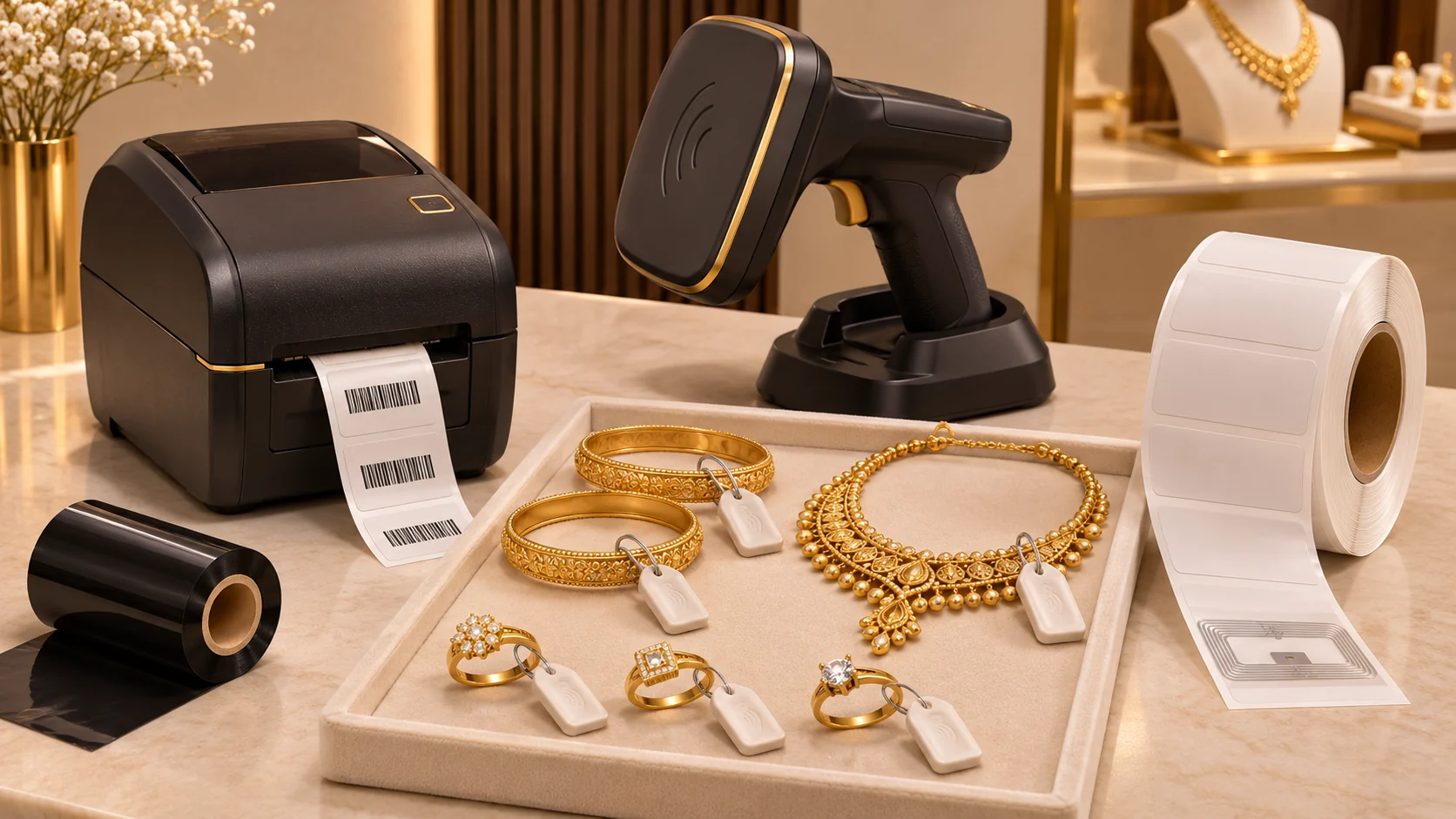
Explore printers with RFID encoding, readers, reusable jewellery tags and compatible label supplies. Select the parts together around your stock-check routine.
RFID reading is separate from optical barcode or QR scanning. Choose the required capability in the hardware specification.